Amazon product photography has two jobs: comply with marketplace rules and give shoppers enough visual evidence to buy with confidence.
However, a technically valid image can still be weak at explaining size, texture, use, packaging, or the difference between your product and competing offers. Therefore, this guide shows how to plan a complete Amazon image set, protect product accuracy, and build a repeatable production process. Requirements can vary by category and marketplace, so always confirm current rules inside Seller Central before a shoot.
Key Takeaways
- Amazon requires at least one product image. For zoom, Amazon prefers images larger than 1,000 pixels on each side.
- The main image should make the exact product immediately recognizable; supporting images should answer scale, use, detail, and comparison questions.
- Plan the mobile image order before designing text-heavy desktop graphics.
- Photography, retouching, and AI-assisted scenes must represent the real product accurately.
- A written shot list and quality-control checklist reduce reshoots and listing delays.
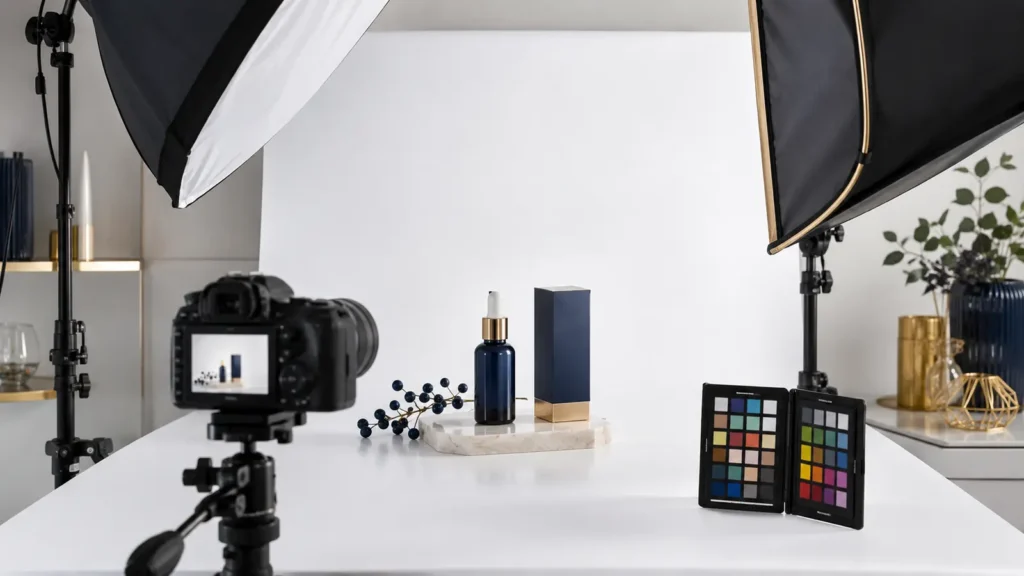
Amazon Product Photography Rules to Check First
Amazon’s official product-photography guidance says every product must have at least one image. Amazon also prefers JPEG files and images larger than 1,000 pixels on each side for zoom. Review the latest Amazon product photo guidance and the category-specific rules in Seller Central before final export.
For that reason, do not treat one checklist as permanent policy. Requirements for backgrounds, props, text, mannequins, product coverage, file types, and restricted categories can change. Build a compliance check into every project rather than fixing rejected assets after launch.
What the Main Image Must Accomplish
First, the main image is the fastest recognition test in search results and on the product page. Show the exact product, correct quantity, color, included accessories, and packaging relationship. The item needs clean edges, accurate color, controlled reflections, and enough resolution to inspect.
Avoid badges, claims, accessories, or decorative elements that Amazon does not permit or that the package does not include. A beautiful image that creates the wrong expectation can increase complaints and returns.
Build a Supporting Image Sequence Around Buyer Questions
Next, supporting images should work as a sequence, not as unrelated artwork. Start by listing the questions a shopper cannot answer from the main image, then assign one purpose to each visual.
- Alternate angles that clarify form and construction
- Close details for texture, finish, controls, stitching, or materials
- A scale image using dimensions or an honest in-use reference
- Lifestyle scenes showing the intended environment and user
- Benefit graphics that explain features without unsupported claims
- Package contents so buyers know exactly what arrives
- Compatibility, fit, care, or setup information where relevant
- Brand story or comparison content when it helps a real decision
Amazon Product Photography for Mobile Shoppers
On mobile, text-heavy graphics shrink quickly. Use one clear message per image, large readable type, strong contrast, and a product view that remains understandable at thumbnail size. Check the listing sequence on a real phone before approval.
Therefore, put the most decision-critical visuals early. If customers repeatedly ask whether an item fits, includes an accessory, or works in a certain setting, place that answer early in the carousel.
Create an Amazon Product Photography Shot List
Next, a shot list connects listing strategy to production. Record the SKU, variation, required angles, surface, lighting direction, crop options, prop rules, model needs, packaging, dimensions, and intended image position. For multiple variations, identify shared assets and list the shots that each product needs.
- Audit the live listing, competitor pages, reviews, questions, and return reasons.
- Confirm the exact product sample, packaging, accessories, and color reference.
- Map each shopper question to a required shot or graphic.
- Approve mood, props, casting, and claim language before production.
- Capture master files with room for square and mobile-safe crops.
- Retouch for consistency while preserving real product features.
- Export, upload, and inspect every variation on desktop and mobile.
DIY, Professional, and AI-Assisted Production
For example, DIY can work for a simple catalog when you control lighting, color, focus, and editing. Professional production adds value when you photograph reflective materials, style products, manage many variations, hire models, or carry a high launch risk. Cost depends on shot count, preparation, props, talent, locations, retouching, graphics, and usage needs—not only the number of final files.
However, AI-assisted backgrounds can expand creative options, while the product itself must remain truthful. Do not let generated scenes change labels, proportions, colors, ingredients, safety features, or included items. Keep the original product photography and approval record. Our AI product photography guide explains a quality-control workflow.
Amazon Product Photography Quality-Control Checklist
Finally, run a final check before upload. Compare each asset with the physical sample and current listing details. Then ask a new reviewer to explain what the package includes after viewing only the images.
- Correct SKU, variation, color, quantity, and packaging
- Sharp focus, clean edges, natural retouching, and consistent color
- No unsupported claims, prohibited badges, or misleading props
- Readable dimensions and text on a mobile screen
- Logical sequence from recognition to proof to use
- Accurate filenames and an organized source-file archive
- Category and marketplace requirements confirmed at upload time
Connect Images to the Rest of the Listing
Even so, images cannot rescue a confusing title, weak bullets, missing variation data, poor reviews, or an uncompetitive offer. Treat photography as one part of Amazon listing optimization. The title identifies the product, bullets explain priority benefits, as Content expands the story, and images make those claims tangible.
Frequently Asked Questions
What image size should I use for Amazon product photos?
Amazon’s published guidance prefers images larger than 1,000 pixels on each side because they enable zoom. Confirm current file and category requirements in Seller Central before exporting.
How many Amazon product images should a listing have?
Amazon requires at least one image, but the useful number depends on the product and shopper questions. Build enough distinct images to explain the product without repeating the same view.
Can I use AI-generated lifestyle images on Amazon?
AI-assisted scenes require careful policy and accuracy review. Do not misrepresent the product, packaging, quantity, labels, proportions, colors, or included items.
What makes Amazon product photography expensive?
For example, major cost drivers include SKU and variation count, preparation, props, reflective materials, models, locations, complex retouching, information graphics, and revision scope.
Plan a Stronger Amazon Image Set
In addition, Rays Developer creates product photography, listing graphics, as Content, Storefront design, and product video for Amazon brands. Share the a sins, variations, current assets, and launch schedule for a scoped recommendation.