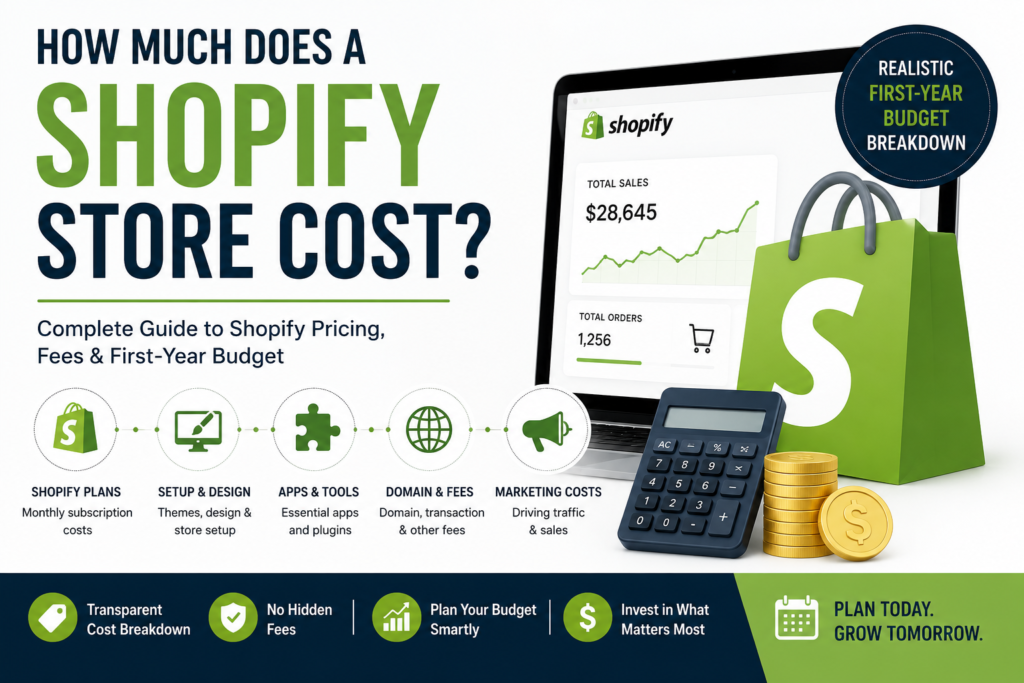
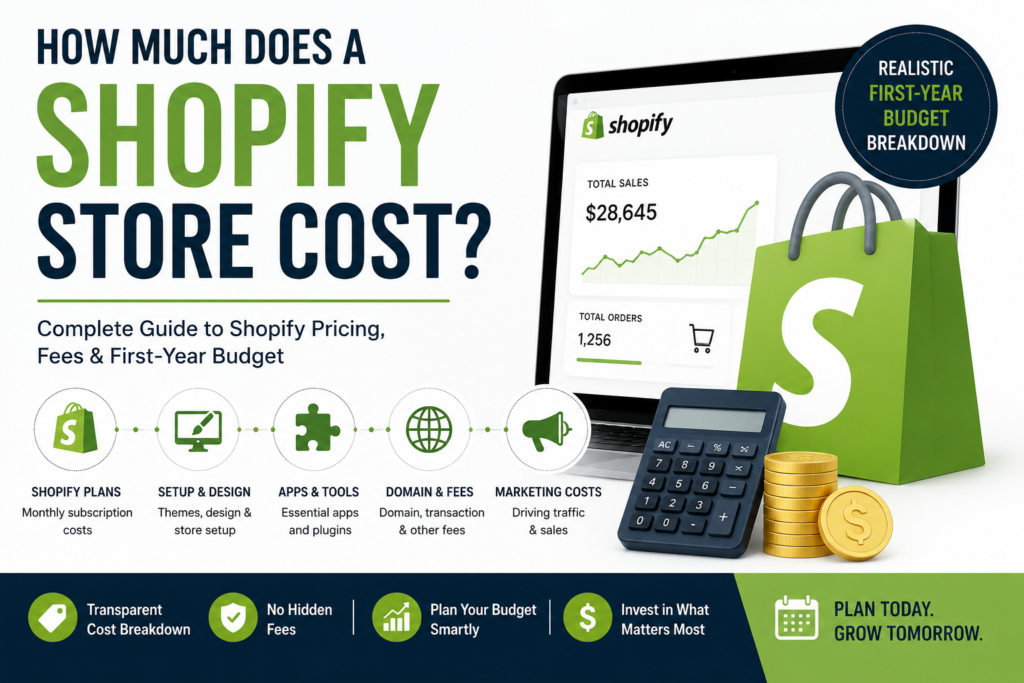
Wondering about Shopify store cost? For example, Shopify plan fees, themes, apps, design, and setup costs can all affect how much you need to budget for a new online store. Additionally, this guide explains the main costs clearly and gives you a realistic first-year budget.
Shopify Store Cost: The Three Main Costs
First, every Shopify store has three separate costs, and mixing them up is why budgets go wrong:
- Platform subscription — what you pay Shopify every month.
- Setup and design — a one-time cost to build the store.
- Running costs — apps, domain, and transaction fees.
As a result, understanding your Shopify store cost from the beginning helps you create a realistic budget and avoid unexpected expenses.
1. Shopify Store Cost: Monthly Subscription Fees
First, Shopify offers several plans, typically ranging from around $30/month for the Basic plan up to several hundred per month for advanced tiers. Therefore, most new stores start on Basic and upgrade only when order volume justifies it.
However, plans change over time, so check Shopify’s official pricing page before budgeting. In addition, you can compare the platforms in our WordPress vs Shopify guide.
2. Setup and design
Next, this is where the real range sits:
- DIY with a free theme — $0. Your time only. Works if you’re comfortable with layout, images, and copy.
- Paid theme — $150 – $400 one time. Better design, still self-managed.
- Done-for-you setup — $500 – $3,000. Someone builds it: design, products, payments, shipping, and launch.
- Fully custom store — $3,000+. Bespoke design and custom functionality.
In practice, a free theme with weak product photos and thin descriptions rarely converts, no matter how good your product is. For example, where most people underinvest isn’t the theme — it’s the product photography and copy.
3. Ongoing running costs
- Domain — around $10–$20 per year.
- Apps — reviews, email, upsells. Easily $0–$100+/month. Add them only when you have a specific need.
- Transaction fees — Shopify Payments takes a card processing fee per sale; using an external gateway usually adds an extra fee.
- Marketing — separate from all of the above, and usually the biggest ongoing line.
Shopify Store Cost: A Realistic First-Year Budget
For instance, for a small store launching properly:
- Shopify Basic: ~$360/year
- Domain: ~$15/year
- Professional store setup: one-time
- Product photography: one-time, depends on product count
- A couple of essential apps: ~$0–$400/year
Next, set aside a marketing budget on top. Otherwise, a store with no traffic makes no sales, and that catches a lot of first-time sellers off guard.
Shopify Store Cost: Where to Spend and Where to Save
For example, it is worth spending on: product photography, clear product descriptions, a fast mobile experience, and a checkout that doesn’t confuse people.
However, it is safe to delay premium themes with features you won’t use, a dozen apps before you have your first orders, and custom development before you’ve validated the product.
What we charge
For comparison, our Complete Shopify Store package is $1,299 and includes a fully custom design, your domain free for one year, up to 20 products added, payments and shipping configured, mobile optimization, and basic SEO — typically live in about 10 days. Therefore, details are on our pricing page.
Frequently asked questions
Is Shopify cheaper than WordPress?
In general, Similarly, Shopify has a predictable monthly fee but fewer surprises. However, WordPress with WooCommerce can be cheaper monthly but needs more setup and maintenance. We compare both in WordPress vs Shopify.
Can I start cheap and upgrade later?
Yes. Moreover, it is often smart. First, start on Basic with a solid design, then invest in apps and custom features once you have real sales data.
Do I need a designer?
In many cases, you do not need a designer. However, if your product competes on looks (fashion, beauty, food, home goods), design and photography usually pay for themselves quickly.
Ultimately, your total Shopify store cost depends on your Shopify plan, design, apps, products, and the level of customization your business needs. Book a free consultation to receive a fixed-scope quote.
Build a complete Shopify budget
A useful Shopify budget includes more than the subscription shown on the pricing page. Plan for the domain, theme or custom design, catalogue preparation, product photography, copy, apps, payment processing, shipping setup, tax configuration, analytics, legal pages, testing, and the staff time needed to operate the store. Some costs are one-time launch work; others continue monthly or increase with order volume.
The largest difference between a basic setup and a professional store is usually scope. A small catalogue with standard delivery rules and a proven theme can launch efficiently. A store with many variants, subscriptions, international markets, custom filters, complex fulfilment, wholesale requirements, or system integrations needs more discovery, development, and testing. Ask suppliers to separate required launch work from optional future improvements.
Estimate the first-year cost rather than only the build price. Include expected transaction fees, paid apps, support, maintenance, content updates, advertising, email tools, returns, and operational labour. Then connect the investment to realistic traffic, conversion rate, average order value, gross margin, and repeat purchase assumptions. This helps determine which features support the business model and which can wait.
Decision checklist
- List products, variants, collections, markets, and operational rules.
- Separate launch requirements from phase-two enhancements.
- Model first-year platform, app, payment, marketing, and support costs.
Budget and implementation details
Build three budget scenarios before selecting features. A minimum launch scenario should include only what is required to sell, fulfil, support, and measure orders safely. A recommended scenario can add the content, automation, and merchandising likely to improve conversion or reduce operating work. A growth scenario can show later capabilities such as international markets, wholesale, subscriptions, loyalty, advanced search, or custom integrations. This prevents optional ideas from hiding the true launch requirement.
Request cost estimates in categories that remain understandable after the proposal is approved. Separate discovery, design, development, content preparation, catalogue entry, integrations, testing, migration, training, and post-launch support. List third-party subscriptions and transaction costs independently. Confirm the number of products, variants, templates, revisions, markets, and data records included, along with the person responsible for supplying final product information and approvals.
Protect a contingency for catalogue cleanup, shipping rules, legacy data, app conflicts, and requirements discovered during realistic testing. Before launch, complete test purchases with different products, discounts, addresses, devices, and payment outcomes. Check customer and staff emails, inventory changes, refunds, analytics, tax display, delivery estimates, and policy links. A smaller store that is tested and operationally clear is safer than a feature-heavy build with an uncertain checkout journey.
Related resources: Shopify website development · WordPress vs Shopify comparison · Review your store plan