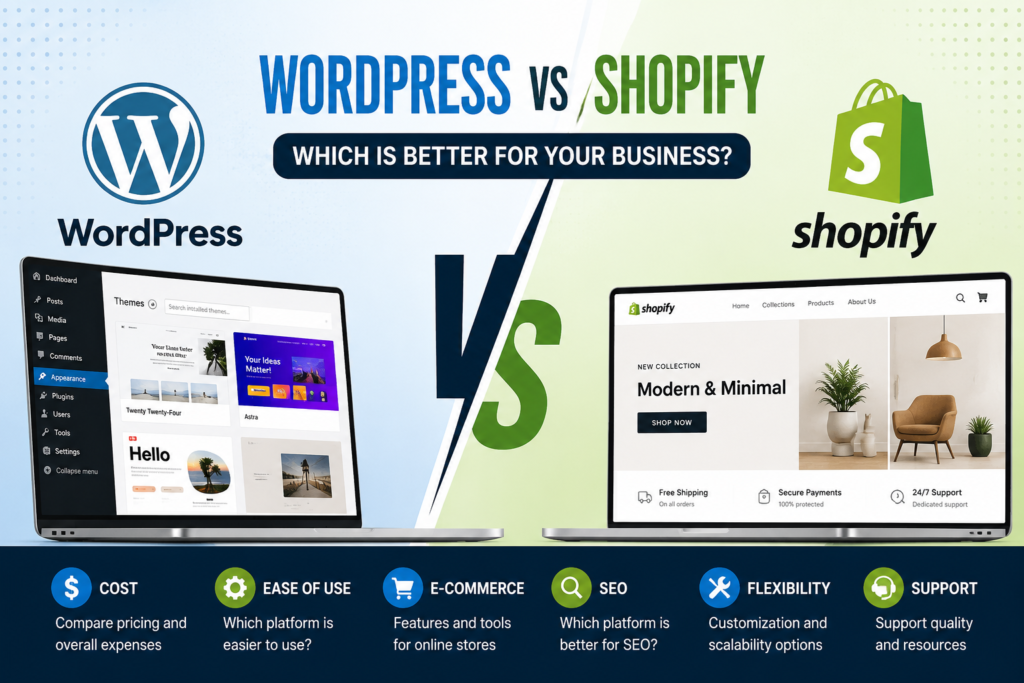
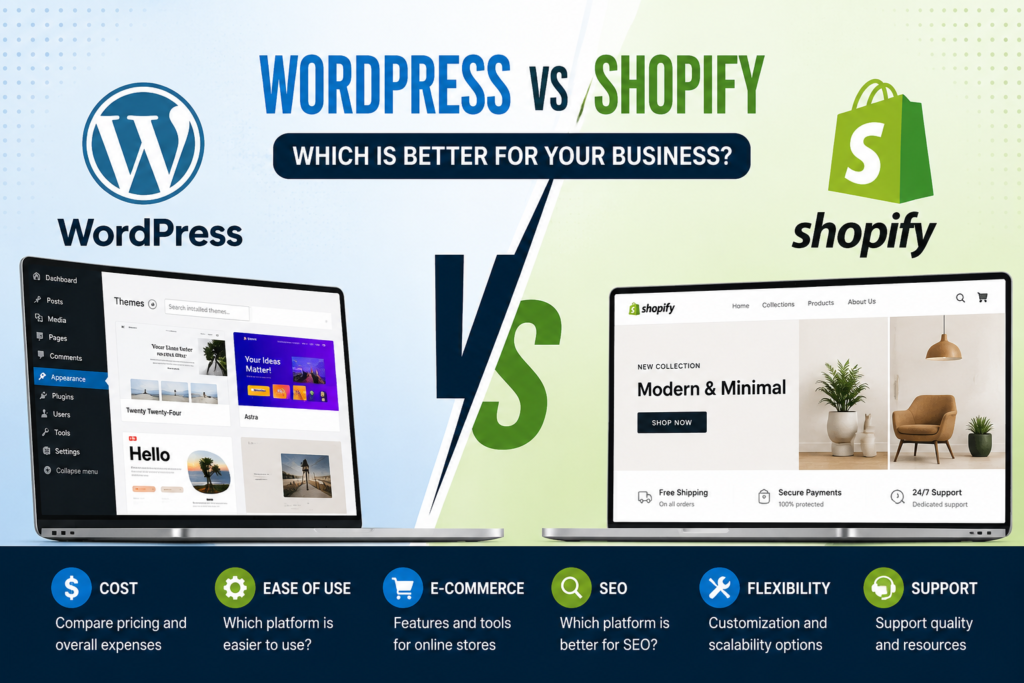
WordPress vs Shopify is one of the most common questions we get, and the honest answer is: it depends on what you’re selling and how much you want to manage yourself. Both platforms are excellent — they’re just built for different jobs.
WordPress vs Shopify the quick answer
Choose Shopify if selling products online is your main business, and you want the platform to handle the technical side.
Choose WordPress if content, services, or flexibility matter more than e-commerce, or if you need full control over how the site works.
Ease of use
Shopify wins. It’s built for one purpose — selling — so the setup flow is guided, hosting is included, and updates happen automatically. You can have a working store in a day.
WordPress is more flexible but expects more from you: hosting, plugins, updates, and security are yours to manage (or your developer’s). Modern page builders like Elementor close much of the gap.
WordPress vs Shopify Cost
- Shopify: predictable monthly fee, plus apps and transaction fees. Easier to forecast.
- WordPress: the software is free, but you pay for hosting, a theme, plugins, and maintenance. Often cheaper overall, but the costs are scattered.
We build both WordPress websites and Shopify stores for businesses. Explore our WordPress Website Design and Shopify Store Design services or contact us if you need help choosing the right platform. We break both down properly in How Much Does a Shopify Store Cost?
WordPress vs Shopify for E-commerce
Shopify wins by default. Inventory, variants, shipping rules, taxes, abandoned carts and payments are built in and reliable.
WordPress handles e-commerce through WooCommerce, which is genuinely powerful — but you’re assembling and maintaining the pieces yourself.
For official platform information, you can learn more about Shopify’s e-commerce platform and WordPress.org before making your decision.
SEO and content
WordPress wins. It began as a publishing platform, so blogging, content structure, and URL control are more flexible. If your growth plan depends on ranking for lots of search terms, that flexibility matters.
Shopify’s SEO is perfectly capable for product-led stores — it’s just less flexible for large content operations.
Flexibility and ownership
WordPress wins. It’s open source: you own the files, you can host anywhere, and you can change anything. Shopify is a hosted service — simpler, but you operate within their system, and leaving means rebuilding.
WordPress vs Shopify Maintenance
Shopify: handled for you. WordPress: your responsibility — updates, backups, and security. That’s manageable, but it isn’t zero.
How to decide
Ask yourself one question: is selling products online the core of my business, or one part of it?
- Core of the business — 20+ products, daily orders, inventory to manage → Shopify.
- One part of it — services, bookings, content, a few products → WordPress.
There’s no wrong answer here, and switching later is possible — just expensive. Choosing deliberately now saves a rebuild in two years.
What we build
We build both — custom WordPress sites you can edit yourself, and complete Shopify stores with design, products, and payments configured. If you’re unsure which fits, tell us what you sell and we’ll give you a straight recommendation, even if it’s the cheaper option.
Frequently asked questions
Can I move from WordPress to Shopify later?
Yes, but it’s a rebuild rather than a switch. Products and content can be migrated; design and functionality are recreated.
Which is better for SEO?
WordPress is more flexible for large content strategies. For a straightforward product store, both rank fine — your content and site speed matter far more than the platform.
Is WooCommerce as good as Shopify?
For many stores, yes. It’s more customizable but requires more upkeep. Shopify trades flexibility for reliability.
First, define the main goal. Next, compare the real costs. Then, test the key workflow. Also, review the upkeep. Finally, choose the platform that fits the business.
Not sure which platform fits? Book a free consultation →
Choose the platform around operating needs
The best platform is the one that fits the business model, team, catalogue, content needs, and ownership expectations. Shopify provides a managed commerce environment with a consistent checkout and a focused app ecosystem. WordPress with WooCommerce offers broad control over content, hosting, data, extensions, and custom workflows, but that flexibility also creates more responsibility for maintenance and compatibility.
Compare the real tasks your team will perform each week. Consider product updates, promotions, inventory, fulfilment, refunds, content publishing, analytics, user roles, backups, security, and support. Review the integrations required for accounting, email, customer service, subscriptions, marketplaces, or point of sale. A platform that handles those workflows reliably is more valuable than one selected only because its starting price appears lower.
Before deciding, model the first-year and ongoing cost of hosting or subscriptions, themes, apps or plugins, payment fees, development, maintenance, and staff time. Confirm who owns the domain, accounts, code, content, and customer data. If the business expects significant custom functionality, test those requirements early so the chosen platform does not become an expensive constraint after launch.
Decision checklist
- Compare weekly store and content workflows.
- Confirm integration, data, ownership, and support requirements.
- Evaluate total first-year cost and expected growth scenarios.
Budget and implementation details
Choose the comparison criteria before attending demonstrations. Score each platform for catalogue needs, content publishing, design control, checkout, payments, shipping, tax, integrations, international selling, user roles, security, backups, performance, accessibility, analytics, and the support available to the team. Weight the criteria by business importance so an attractive theme or one convenient feature does not decide the entire technology strategy.
Shopify normally reduces responsibility for hosting infrastructure and core commerce maintenance, while WordPress and WooCommerce allow wider control over hosting, content models, code, and data workflows. Neither advantage is free of tradeoffs. Managed convenience can involve platform boundaries and app costs; open flexibility can involve plugin compatibility, security, update testing, and specialist maintenance. The right choice depends on which responsibilities the business is prepared to own.
If migration may be required later, ask how products, customers, orders, content, URLs, redirects, subscriptions, reviews, gift cards, and analytics history can move. Preserve domain ownership and document every important account from the beginning. Run a small proof of concept for any unusual integration or custom workflow before committing the full build. Evidence from that test is more reliable than a generic platform comparison.
Related resources: Shopify development services · Shopify cost guide · Discuss your platform requirements